Architecture-led, not tool-led. Book one launches soon — get two chapters today. Get the sample →
Cloud ArchitectureStudio
Coming soon
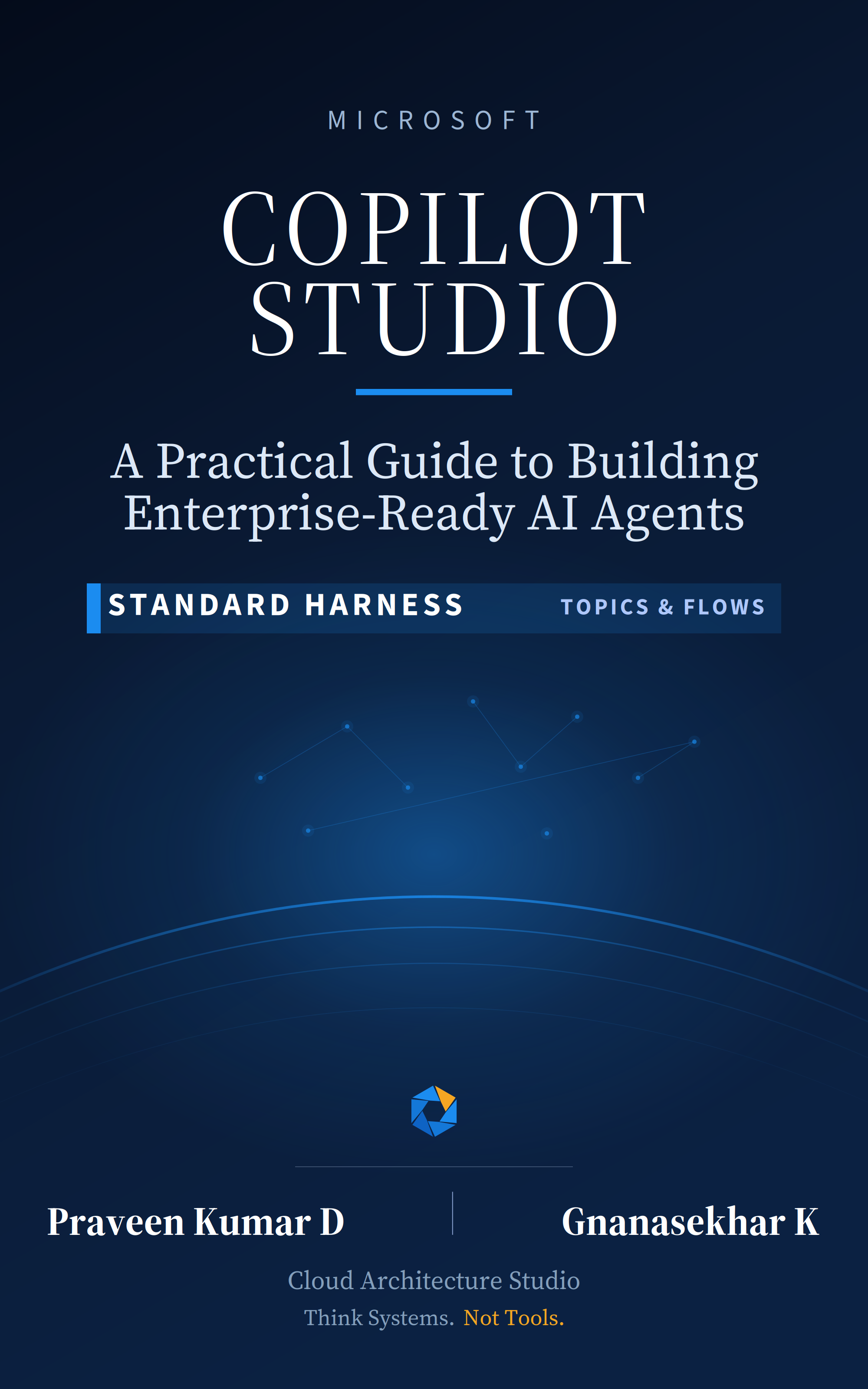
Front cover of Microsoft Copilot Studio: A Practical Guide
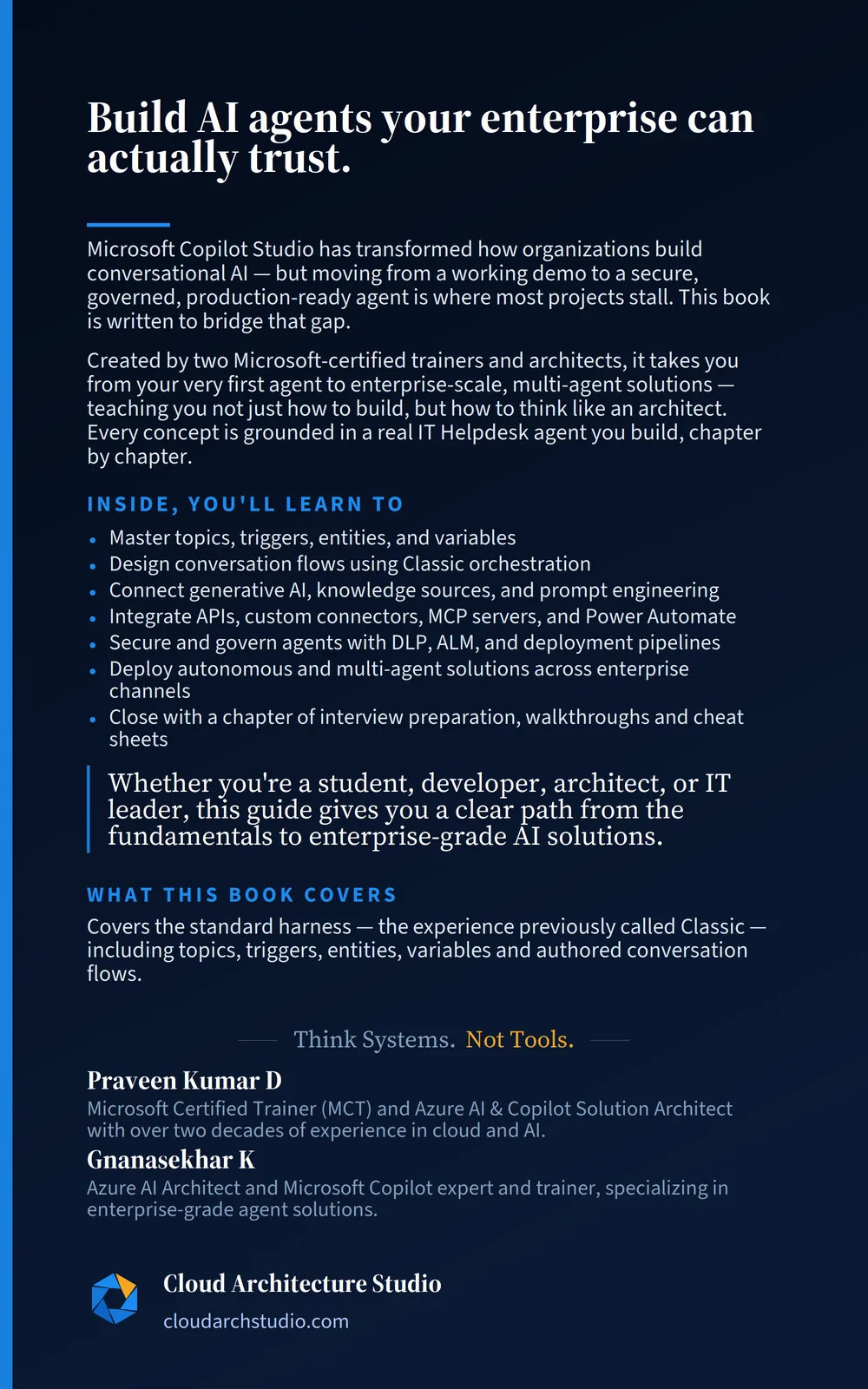
Back cover of Microsoft Copilot Studio, with the book summary and author details

Books / Microsoft Copilot Studio: Standard Harness

Microsoft Copilot Studio: Standard Harness

Building enterprise-ready AI agents with the standard harness

The full path from your first topic to a governed production rollout. Written for the person who has to support the agent on Monday.

Get two chapters free

From Standard Harness, sent immediately. One email at launch, nothing else.

Chapters
28
Pages
~540
Formats
PDF · EPUB

What's inside

What you get, chapter by chapter.

  • An IT Helpdesk agent built end to end, not toy examples
  • Topic architecture that survives someone else editing it
  • Connecting to line-of-business data without a bespoke integration each time
  • ALM that gets a change to production without anyone clicking Export
  • The security review questions, and how to have answers ready

Contents

Every chapter, before you decide.

28 chapters, in 7 parts. The ones marked free are yours now, no purchase.

Provisional — chapters may change before launch.

Get the free chapters

Part 01

Foundations & Environment Setup

Platform overview, licensing, environment setup, navigation, and core building blocks

3 chapters
  1. 01

    Introduction to Microsoft Copilot Studio

    How it evolved from Power Virtual Agents, where it fits in the Microsoft stack, and how it is licensed.

    • Evolution from Power Virtual Agents to Copilot Studio
    • Overview of the Microsoft Ecosystem
    • Where Copilot Studio Fits in the Microsoft Stack
    • Core Concepts & Terminology
    • Copilot Studio vs. Agent Builder
    • Licensing Model
  2. 02

    Environment Setup & Building Your First Agent

    Sign-up, environments and Dataverse, then a working first agent: the Friendly Tutor.

    • Sign-Up Options
    • Environments in Power Platform
    • Introduction to Dataverse
    • Copilot Studio Architecture Overview
    • Building Your First Agent: The Friendly Tutor
    • Copilot Studio Interface Walkthrough
    • Test Chat Pane
    • Testing Basics & Best Practices
  3. 03

    Core Building Blocks Overview

    The vocabulary map: topics, triggers, orchestration, nodes, variables and entities, and how they connect.

    • Topics: The Conversation Building Blocks
    • Trigger Phrases vs. Topic Descriptions
    • Orchestration Modes
    • Conversation Nodes: The Five Categories
    • Variables: Making Conversations Dynamic
    • Entities & Slot Filling
    • How Everything Connects

Part 02

Copilot Design & Core Authoring

Topics, trigger phrases, entities, variables, conversation design, and authoring best practices

4 chapters 1 free
  1. 04

    Topics, Triggers & Orchestration

    Free

    Creating topics, writing triggers that fire correctly, and managing topics at enterprise scale.

    • Creating and Managing Topics
    • Trigger Phrases
    • Topic Descriptions
    • Orchestration Modes Deep Dive
    • System Topics Deep Dive
    • Topic Management & Conflict Resolution
    Read an excerpt

    In Chapter 3, you learned the vocabulary — what topics, triggers, orchestration, and other building blocks are. Now it’s time to build with them. By the end of this chapter, you will have created real topics, written effective triggers, configured orchestration, and understood how to manage topics at enterprise scale.

  2. 05

    Conversation Nodes Masterclass

    Every node on the authoring canvas: messages, questions, logic, navigation and integration.

    • Message & Interaction Nodes
    • Logic & Flow Control Nodes
    • Navigation & Integration Nodes
    • Flow Design Best Practices
  3. 06

    Variables, Entities & Slot Filling

    Conversations that remember, understand and stay short: variables, entities, slot filling and Power Fx.

    • Variables Deep Dive
    • Entities Deep Dive
    • Slot Filling & Data Collection
    • Power Fx in Copilot Studio
  4. 07

    Conversation Design Patterns & Best Practices

    Turning working flows into good experiences: patterns, error recovery, tone and reuse.

    • Conversation Design Fundamentals
    • Common Conversation Patterns
    • Error Handling & Recovery
    • Message Design Best Practices
    • Reusability & Scalability
    • Testing & Iteration

Part 03

Generative AI & Knowledge Integration

Generative answers, knowledge sources, prompt engineering within Copilot Studio, and AI orchestration

4 chapters
  1. 08

    How Generative AI Works in Copilot Studio

    The generative answers pipeline, AI orchestration, grounding and model selection.

    • Generative AI Fundamentals
    • The Generative Answers Pipeline
    • AI Orchestration in Depth
    • Grounding & Knowledge Sources
    • Model Selection
  2. 09

    Knowledge Sources Deep Dive

    The eight knowledge source types, how to configure each, and what keeps answers accurate.

    • Knowledge Sources Overview
    • The 8 Knowledge Source Types
    • Knowledge Source Configuration
    • Knowledge Source Best Practices
  3. 10

    Agent Instructions & Prompt Engineering

    Instructions that make an agent consistent: who it is, how it speaks, and what it must never do.

    • Agent Instructions
    • Prompt Engineering in Copilot Studio
    • Topic-Level vs. Agent-Level Instructions
    • Advanced Prompt Techniques
  4. 11

    Content Moderation & AI Quality Management

    Moderation, answer quality, AI analytics and responsible-AI governance.

    • Content Moderation
    • AI Response Quality
    • Analytics for AI Performance
    • Governance & Responsible AI

Part 04

Actions, Integrations & Multi-Channel Publishing

Connectors, agent flows, tools, HTTP requests, and channel deployment

4 chapters 1 free
  1. 12

    Understanding Actions & the Tools Framework

    How an agent acts: tool types, the Tools tab, and the variable handshake.

    • What Are Actions in Copilot Studio?
    • Adding Tools to Your Agent
    • Managing Your Tools
    • Variable Handshake: Input & Output
  2. 13

    Agent Flows & Connector Integrations

    Free

    Agent flows, prebuilt and custom connectors, and direct HTTP requests, wired into real topics.

    • Agent Flows in Copilot Studio
    • Prebuilt Connectors
    • Custom Connectors
    • HTTP Requests (Deep Dive)
    • Wiring the Ticket Flow into Your Topics
    Read an excerpt

    Chapter 12 gave you the conceptual framework: tool types, the Add a tool dialog, and the variable handshake pattern. This chapter puts that framework into practice — building an agent flow, using prebuilt connectors, creating custom connectors, and making direct HTTP requests — and then wiring the ticket flow into your specialist topics.

  3. 14

    MCP Servers, Prompts & Advanced Actions

    MCP servers, prompts, file uploads, and combining action types in one agent.

    • MCP Servers (Model Context Protocol)
    • Prompts
    • File Upload Integration
    • Combining Multiple Action Types
  4. 15

    Multi-Channel Publishing

    Teams, websites, Microsoft 365 Copilot, SharePoint and WhatsApp, and how to choose between them.

    • Publishing Fundamentals
    • Microsoft Teams Channel
    • Website & Direct Line API
    • Microsoft 365 Copilot Publishing
    • SharePoint Channel
    • WhatsApp via Azure Communication Services
    • Channel Feature Comparison Matrix
    • Omnichannel & Live Agent Handoff

Part 05

Enterprise Deployment & Governance

Security, DLP, environments, ALM (solution management), and Microsoft 365 Copilot extensibility

4 chapters
  1. 16

    Security & Data Protection

    Authentication, data loss prevention, residency and compliance, as defence in depth.

    • Authentication & Authorization
    • Data Loss Prevention (DLP)
    • Data Residency & Compliance
    • Network & Infrastructure Security
  2. 17

    Environments & Solution Management (ALM)

    Environments, solutions and ALM pipelines, so a change reaches production safely.

    • Environments Deep Dive
    • Dataverse & Solution Framework
    • Application Lifecycle Management (ALM)
    • CI/CD and Automation
  3. 18

    Admin Controls & Governance Framework

    The admin center, governance policies, monitoring and cost management.

    • Power Platform Admin Center
    • Governance Policies
    • Monitoring & Analytics
    • Cost Management
  4. 19

    Microsoft 365 Copilot Extensibility

    Building agents for Microsoft 365 Copilot: declarative agents, API plugins and publishing.

    • Understanding M365 Copilot Extensibility
    • Building Agents for M365 Copilot
    • Declarative Agents & API Plugins
    • Publishing & Administration
    • Enterprise Patterns for M365 Copilot Agents

Part 06

Advanced Capabilities

Autonomous agents, multi-agent orchestration, custom tools, analytics, and performance tuning

5 chapters
  1. 20

    Autonomous Agents

    Agents that act on events rather than questions, with the guardrails and oversight they need.

    • What Are Autonomous Agents?
    • Triggers for Autonomous Agents
    • Building Autonomous Workflows
    • Guardrails & Human Oversight
  2. 21

    Multi-Agent Orchestration

    When one agent is not enough: architecture, agent-to-agent communication and enterprise patterns.

    • Multi-Agent Architecture
    • Agent-to-Agent Communication
    • Designing Multi-Agent Solutions
    • Enterprise Multi-Agent Patterns
  3. 22

    Advanced Plugin Development

    Wrapping any API as a plugin that agents can discover, call and converse with.

    • Plugin Architecture
    • Building Custom Plugins
    • Conversational Plugins
    • Plugin Governance & Maintenance
  4. 23

    Analytics, Performance Tuning & Optimization

    What the Monitor tab tells you and what it does not, Power BI analytics, and tuning.

    • The Copilot Studio Monitor Tab
    • Conversation Transcript Analysis
    • Custom Analytics with Power BI
    • Performance Tuning
    • Continuous Improvement Framework
  5. 24

    Copilot Studio Architecture Patterns

    Five proven patterns, from knowledge agent to multi-agent, and how to combine them.

    • Why Architecture Patterns Matter
    • Pattern 1: Enterprise Knowledge Agent
    • Pattern 2: Multi-Channel Customer Service Agent
    • Pattern 3: Autonomous Process Agent
    • Pattern 4: Multi-Agent Architecture
    • Pattern 5: Microsoft 365 Copilot Extension Agent
    • Comparing & Combining Patterns

Part 07

Real-World Scenarios & Interview Preparation

Industry use cases, scenario-based walkthroughs, interview Q&A, and quick-reference cheat sheets

4 chapters
  1. 25

    Industry Use Cases & Solution Patterns

    Six industries, their use cases, and the cross-industry patterns underneath.

    • Healthcare
    • Banking & Financial Services
    • Retail & E-Commerce
    • IT & Internal Helpdesk
    • Human Resources
    • Education
    • Cross-Industry Patterns
  2. 26

    Scenario-Based Walkthroughs

    Five end-to-end scenarios of rising complexity, from IT helpdesk to autonomous multi-agent.

    • Scenario 1: IT Helpdesk Agent
    • Scenario 2: HR Policy Assistant
    • Scenario 3: Order Management Agent
    • Scenario 4: Enterprise Customer Service Agent
    • Scenario 5: Autonomous Multi-Agent Solution
  3. 27

    Interview Preparation Guide

    100 questions and answers, from beginner to architect, plus behavioural questions.

    • Beginner-Level Questions (Chapters 1–7)
    • Intermediate-Level Questions (Chapters 8–15)
    • Advanced-Level Questions (Chapters 16–24)
    • Scenario-Based Interview Questions (Chapters 24–26)
    • Behavioral & Soft Skill Questions
  4. 28

    Quick-Reference Cheat Sheets

    A glossary and one-page references for nodes, variables, Power Fx, ALM, licensing and more.

    • Copilot Studio Terminology Glossary
    • Node Types Cheat Sheet
    • Variable Types Cheat Sheet
    • Knowledge Sources Cheat Sheet
    • Action Types Cheat Sheet
    • Channel Comparison Matrix
    • Power Fx Quick Reference
    • ALM & Deployment Checklist
    • Licensing Quick Reference
    • Productivity Tips

Editions

Buy once. Both formats, instant download.

Launching soon. Join the list and you'll hear the day it opens.

eBook

₹1,499

The complete book in PDF and EPUB, emailed to you straight after payment.

Notify me
Two chapters, free

Read it before you buy it.

Two full chapters, sent now, so you can judge the writing before launch day.

Send the chapters

No sequence, no upsells. One email per launch.